
No accounts needed
Relatives open one link in their browser. No sign-up, no app download, no password resets.

Grandparents should not need an account, an app or a social network to see the holiday photos. photos2webgallery turns your Apple Photos albums into a simple website that anyone can open with one link, hosted where you decide.
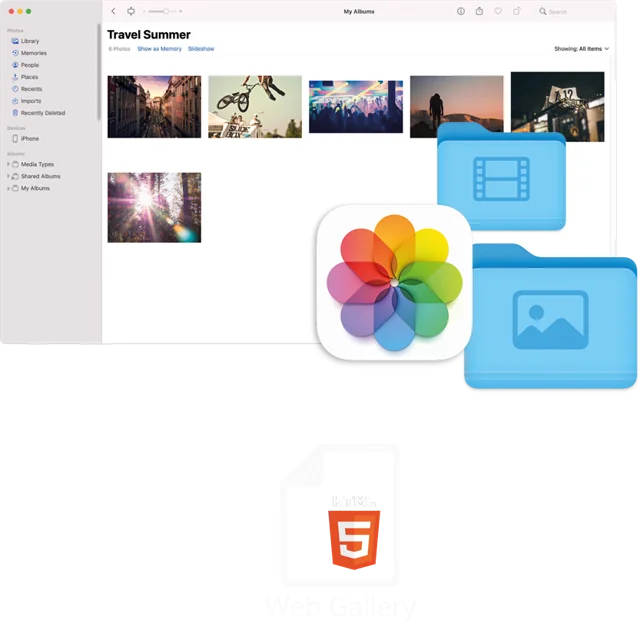
Cloud albums and social networks are easy until relatives need yet another login, photos get compressed or the platform changes its rules. A web gallery is the most universal format there is: it opens in any browser on any device, from a ten-year-old laptop to the newest phone.
photos2webgallery creates that gallery directly on your Mac, so your photos never pass through a third-party service. Put it on your own web space, a home NAS or simply a USB stick for the family archive.
Relatives open one link in their browser. No sign-up, no app download, no password resets.
Host it on your own web space or NAS. No platform scans, ranks or monetizes your photos.
Birthday videos play right next to the photos. Apple-only HEIC photos are converted for every device.
Show captions, dates and where each photo was taken on Apple Maps or Google Maps.
Static HTML still opens in decades. Copy the folder to a USB stick for a family archive.
Albums stay organized as in Apple Photos, sorted by date for an easy timeline.
Choose the family albums you want to share from Apple Photos.
photos2webgallery creates a responsive gallery with all photos and videos.
Upload to your web space or NAS, or copy the folder to a USB stick.
No. The gallery is a normal website. It works in every modern browser on Windows, Android, Linux, iPhone, iPad and Mac.
Anywhere that serves web files: your own web hosting, a static hosting service, a Synology or QNAP NAS with web station, or offline on a USB stick.
The gallery is only reachable for people who know the link, unless you publish it. For extra protection use the password protection of your web host or NAS.
One-time purchase on the Mac App Store. Works on macOS 10.13 or later. No subscription, no database, host it anywhere.
24/7 call support (English + German): +49 761 519 751 50