
No database, no CMS
Nothing to install on the server and nothing to update except your photos.

Self-hosted galleries usually mean PHP, a database and endless updates. photos2webgallery produces static HTML instead, so any NAS, web host or static hosting service can serve it, securely and with almost no maintenance.
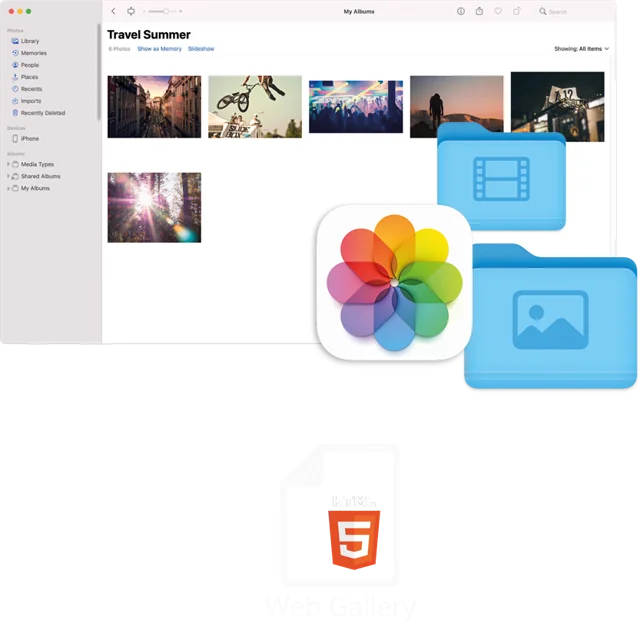
Static files are the safest thing you can put on the internet: there is no login form to attack, no plugins to patch and no database to back up. That makes them ideal for a NAS at home or cheap web space.
Generate the gallery on your Mac, copy the folder to the web root of your NAS or hosting, done. When you have new photos, export again or add albums to the existing gallery.
Nothing to install on the server and nothing to update except your photos.
Serve it with the built-in web server of Synology, QNAP or similar devices.
Also runs on classic web space and static hosting providers.
Plain files only. No admin panel, no server-side code.
Pre-sized images and thumbnails keep pages light.
Move hosts by copying a folder. Back it up like any other files.
Export albums from Apple Photos or folders with photos2webgallery.
Use Finder, SMB, FTP or your host's file manager.
Share the URL or keep it on your local network only.
Any NAS that can serve static web files, for example via Synology Web Station or the QNAP web server. No PHP or database is needed.
Yes. If you do not expose the NAS web server to the internet, the gallery is only reachable at home.
Your NAS or host provides HTTPS. Most providers offer free certificates, which we recommend for any public gallery.
One-time purchase on the Mac App Store. Works on macOS 10.13 or later. No subscription, no database, host it anywhere.
24/7 call support (English + German): +49 761 519 751 50