
Reads Apple Photos directly
Pick albums from your library. No manual export of thousands of files.

Apple Photos has no built-in way to publish an album as a website. photos2webgallery fills that gap: select albums, choose a few options and get a complete, standards-based HTML gallery that you can host anywhere.
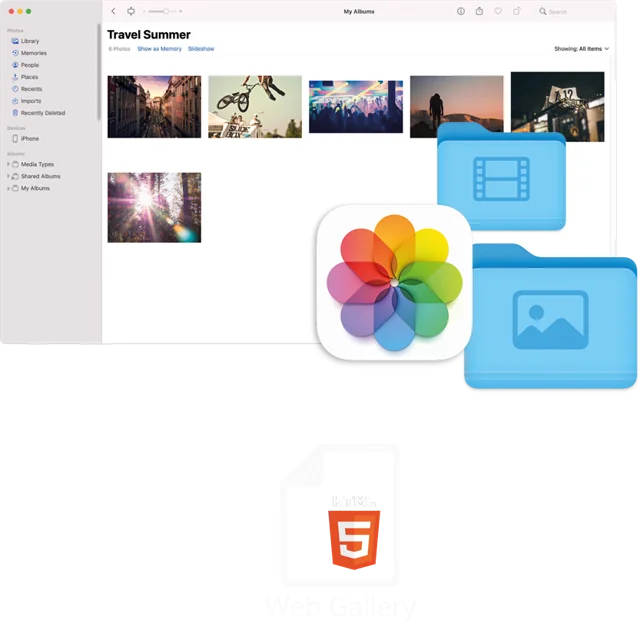
Since iPhoto web publishing disappeared, Mac users have been looking for a simple way to turn albums into a website. Exporting photos manually and building pages by hand takes hours, and most web gallery tools expect you to upload everything to their platform first.
photos2webgallery reads your Apple Photos library directly (with your permission) or any image folder on your Mac and writes a ready-to-publish gallery: an album overview, album pages with thumbnails and a fullscreen lightbox with captions, date, time and location.
Pick albums from your library. No manual export of thousands of files.
Since version 1.4 you can also build galleries from regular image folders.
Bootstrap-based, responsive output with no database and no server-side code.
Apple's HEIC format is converted automatically so every browser can show it.
Resize images from 1% to 100% and define custom thumbnail sizes for fast loading.
Change background color, fonts and colors, or add your own HTML and CSS.
photos2webgallery runs on macOS 10.13 or later.
Grant access once in System Settings, then select the albums or a folder.
Set image size, thumbnails, colors and captions, then choose the output folder.
Upload the folder via FTP or your host's file manager, or copy it to a NAS or USB stick.
Yes. Since version 1.2 you can add extra albums to an existing gallery without regenerating everything.
Yes. Upload it to a subfolder and link to it, or embed it into an existing page with an iframe. You can also adapt the look with CSS.
Yes. Videos from your albums are exported too and play directly in the browser. Since version 1.9 a "Play all" function plays several videos in a row.
One-time purchase on the Mac App Store. Works on macOS 10.13 or later. No subscription, no database, host it anywhere.
24/7 call support (English + German): +49 761 519 751 50